
Knowledge base
Fairino Does Not Enable
What to do when you're Fairino is not Enabling:
Check the following as each check may have a different set of steps to fix it:
First, make sure you are able to:
1) Ping the robot
***If you can not ping the robot, refer to the article linked here***
2) Log into the WebApp (IP address of your robot)
3) Ensure that in the top right of your screen, there is a "controller connected" (Figure 1.1 shows connected controller, Figure 1.2 shows a controller that failed to connect)
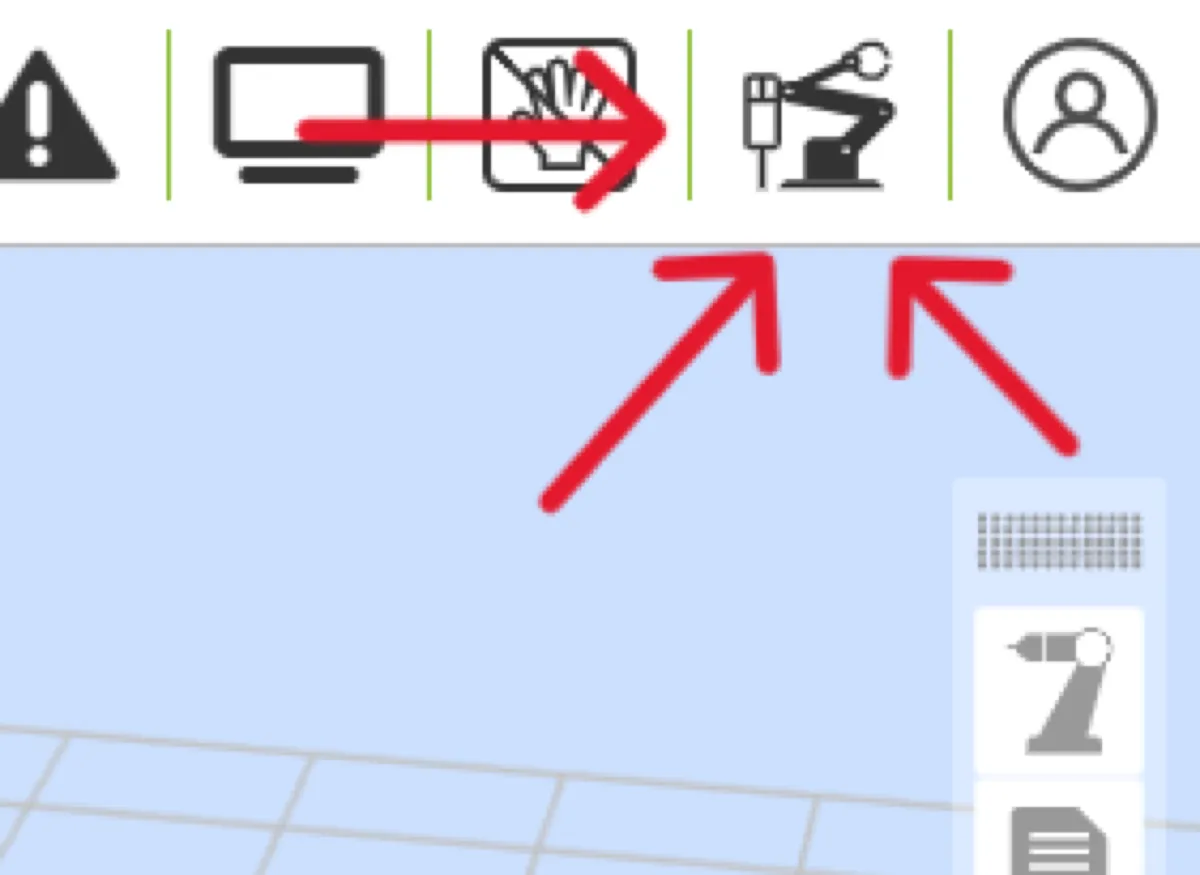
(Figure 1.1)

(Figure 1.2)
3b) If the controller is not connected, make sure the E-Stop is not pressed, look for error messages in the Fairino Log ("Status" -> "Log")
Next, check the behavior when you click on the enable button in the top left corner of the web app (Figure 1.3):
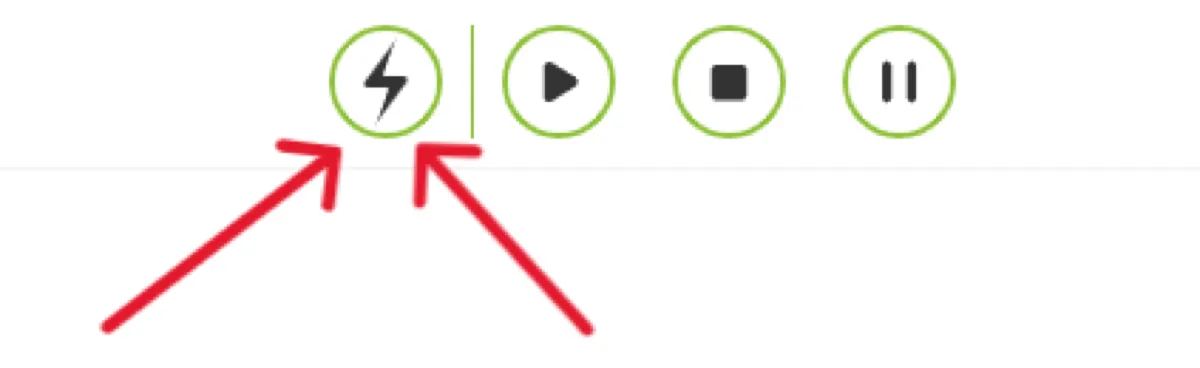
(Figure 1.3)
Follow steps below based on pop-up behavior:
If the normal pop up shows:
1) Try hitting the "confirm" button.
2) If that does not enable the robot, follow the steps below:
a) Navigate to "Initial"->"Safety" -> "Stop Mode"
b) Under the "Pattern" dropdown, select "Not enabled" and click "Configure"
c) If no errors are reported, power off your control box and restart it after 10 seconds
If the pop-up shows but is void of any text, follow the steps below:
1) Try to remember if you recently updated your software version. If you did, it is more than likely that the jump between the old and new software versions was too large. If that is the case, follow the steps below:
a) Find the software version that you were previously at and follow the steps here
2) If you did not update recently, write to us to open a support ticket.
Before contacting us, export your robot logs by navigating to "Status" -> "Log" -> "Download"
Include those logs in the message: with them the diagnosis is much faster.
Translated from Fairino documentation. For anything safety-related, check against the equipment manual and with your advisor before moving the robot.
Still stuck?
Write to us with the serial number and what you already tried. Someone who has installed these units answers.
Request support →