
Knowledge base
How to update Fairino Robot Software
Step 1)
- Navigate to the Fairino documentation page here
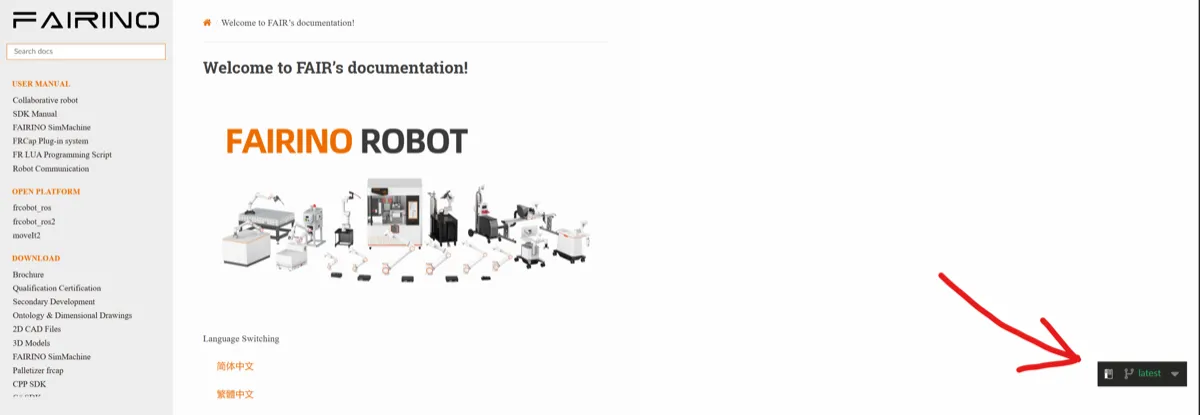
- Use the version select button in the bottom right to select the target software version you wish to migrate to (please note the compatibility table below):
| Current Version | Maximum Upgradable Version |
|---|---|
| <3.6.1 | 3.6.1 |
| 3.6.1 - 3.6.4 | 3.6.5 |
| 3.6.5 - 3.6.8 | 3.6.9 |
| 3.6.9 - 3.7.4 | 3.7.5 |
| 3.7.5 - 3.7.7 | 3.7.8 |
| 3.7.8 - 3.8.1 | 3.8.2 |
| >= 3.8.2 | No restrictions |
Step 2)
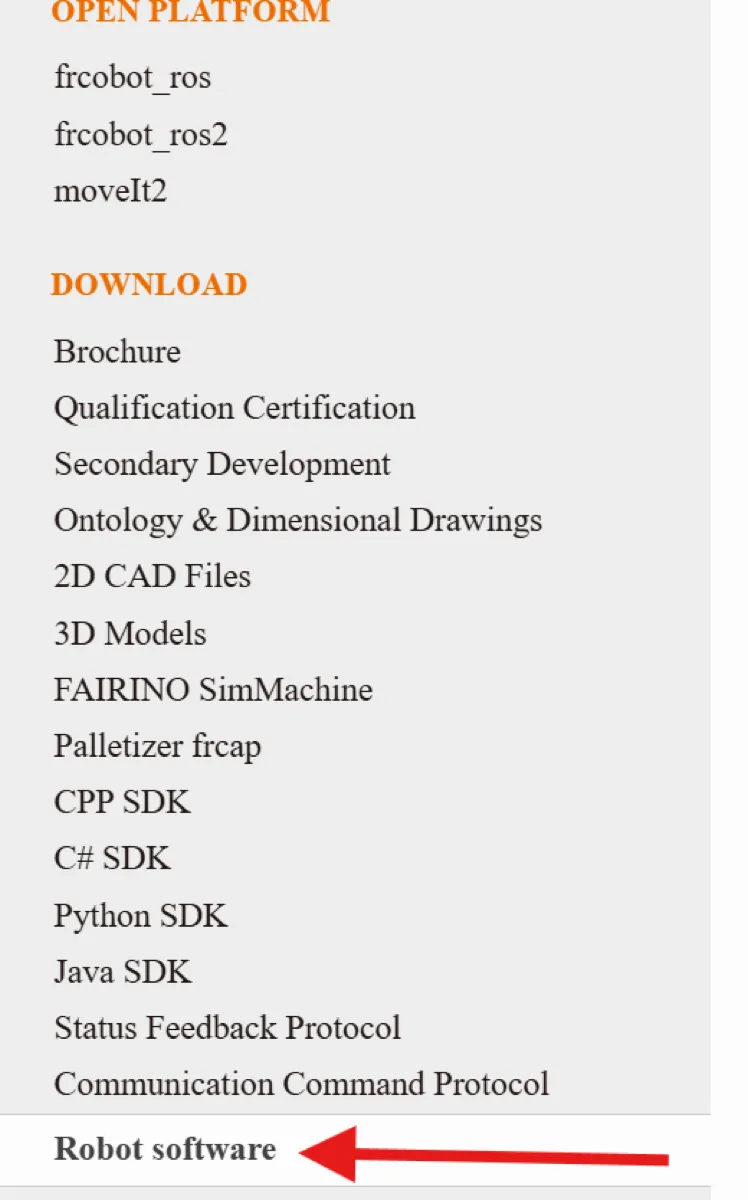
- Navigate to the "Robot Software" tab on the left (Shown below)
- Select the software.zip file for your desired robot version. Download and unzip the files
- NOTE: Some versions ship in both "LA" and "QX" variants. Use the "QX" release.
Step 3)
- Log into the robots WebApp (default IP address 192.168.58.2)
- Navigate to Auxiliary ->Tool App -> Software Upgrade
- Note: Some older web versions may have different tab names (ie. "Application" instead of "Auxiliary")
Step 4)
- Select "upload file" and upload the software.tar file you just downloaded.
- Click "Upgrade" and wait for install to complete
- After upgrading, power cycle your control box and you will have successfully upgraded you Fairino Software!
NOTE: If you are using the SDK, you will need to install the corresponding SDK version for the new software version.
Translated from Fairino documentation. For anything safety-related, check against the equipment manual and with your advisor before moving the robot.
Still stuck?
Write to us with the serial number and what you already tried. Someone who has installed these units answers.
Request support →